See what needs you the moment you sign in
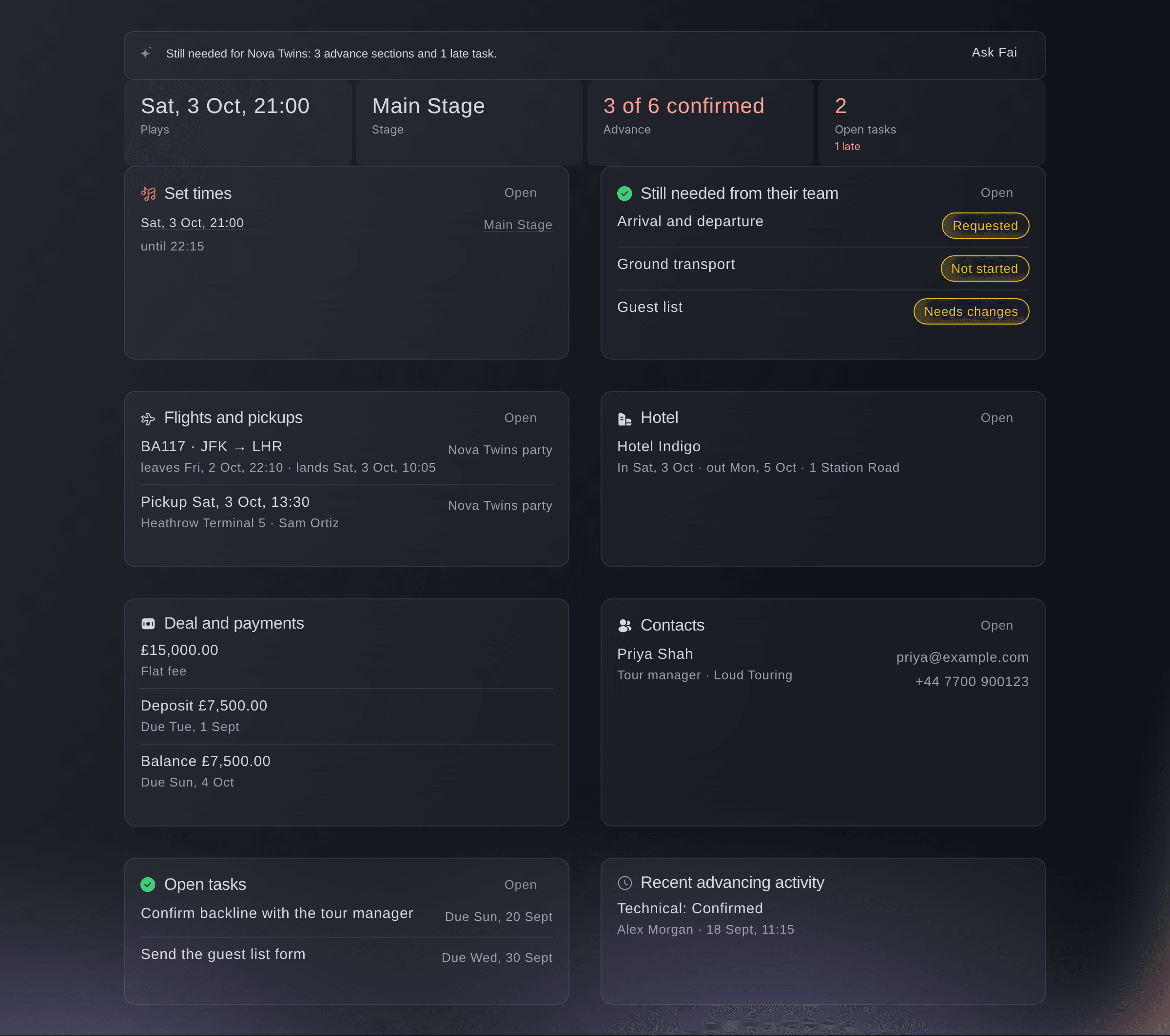
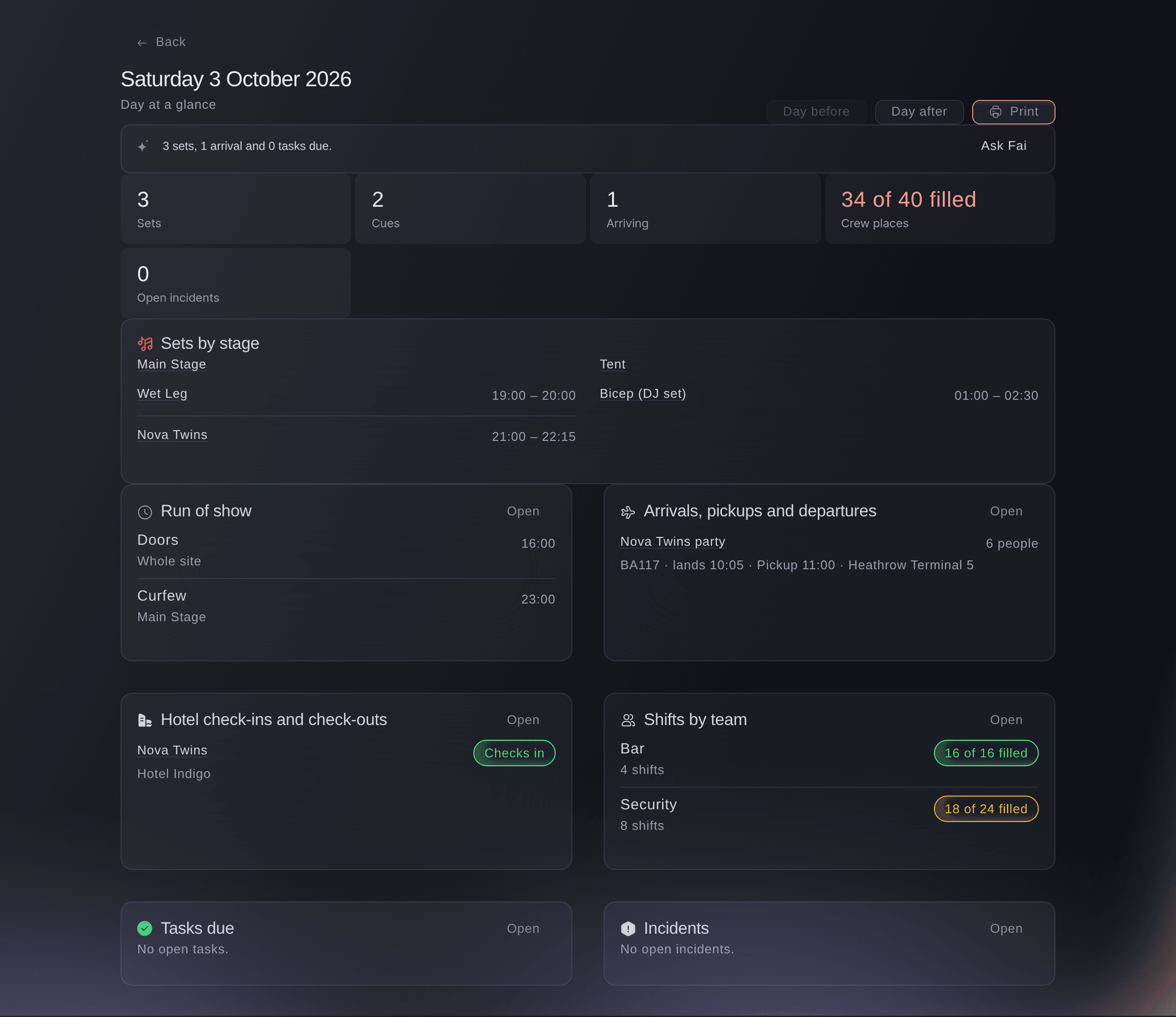
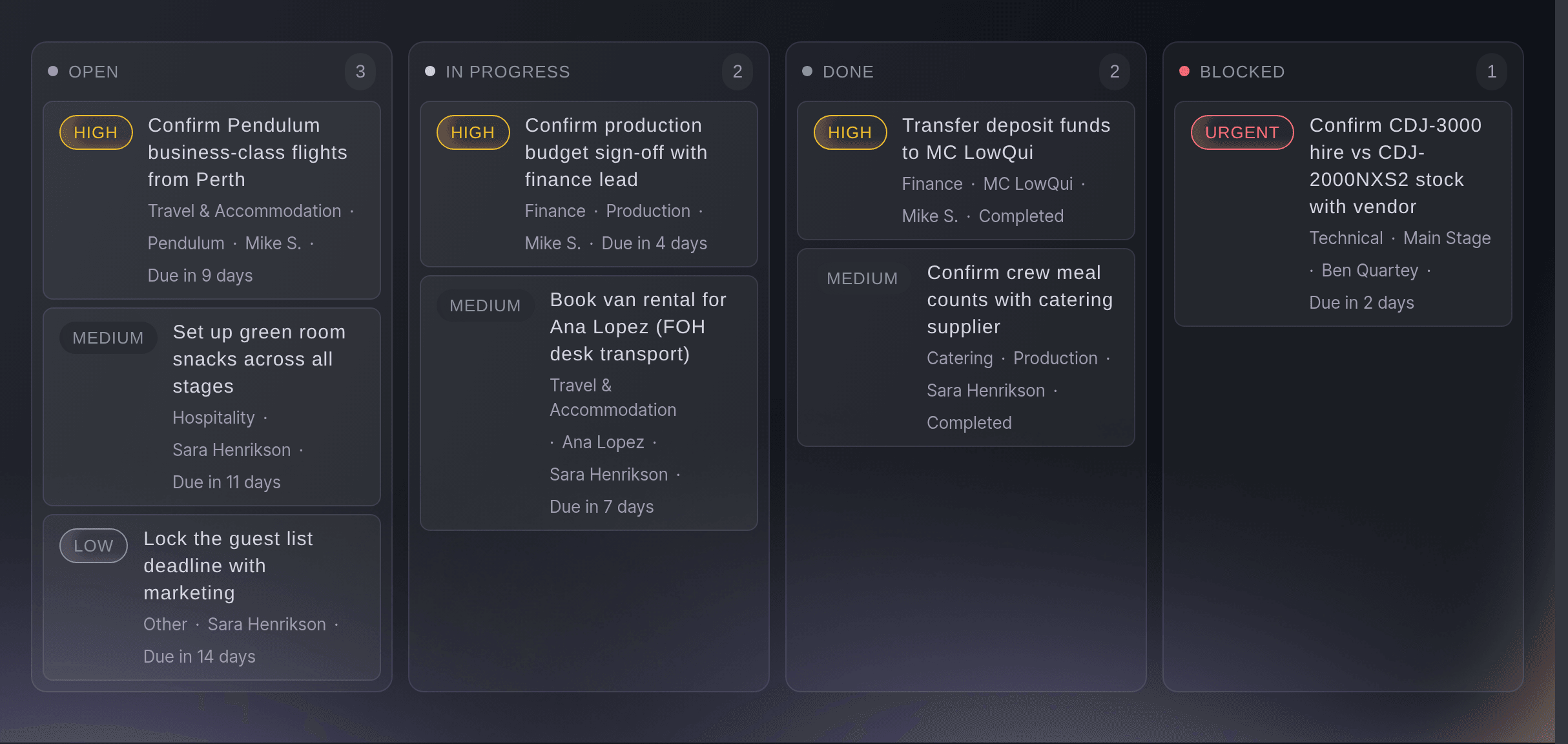
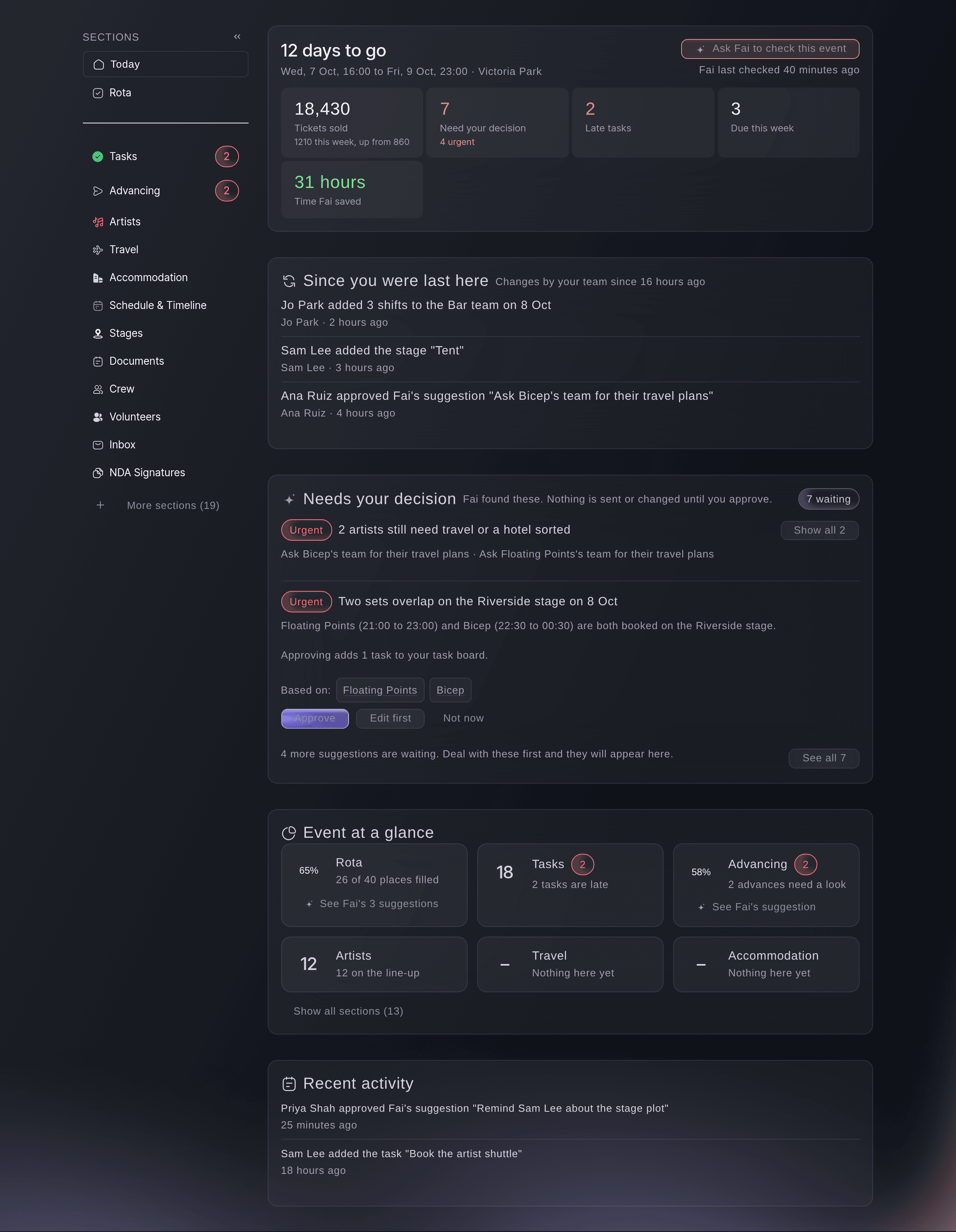
Your Today page shows the countdown to doors, the tasks and approvals waiting for you, what your team changed since you last looked and how each part of the event is going.
How it works
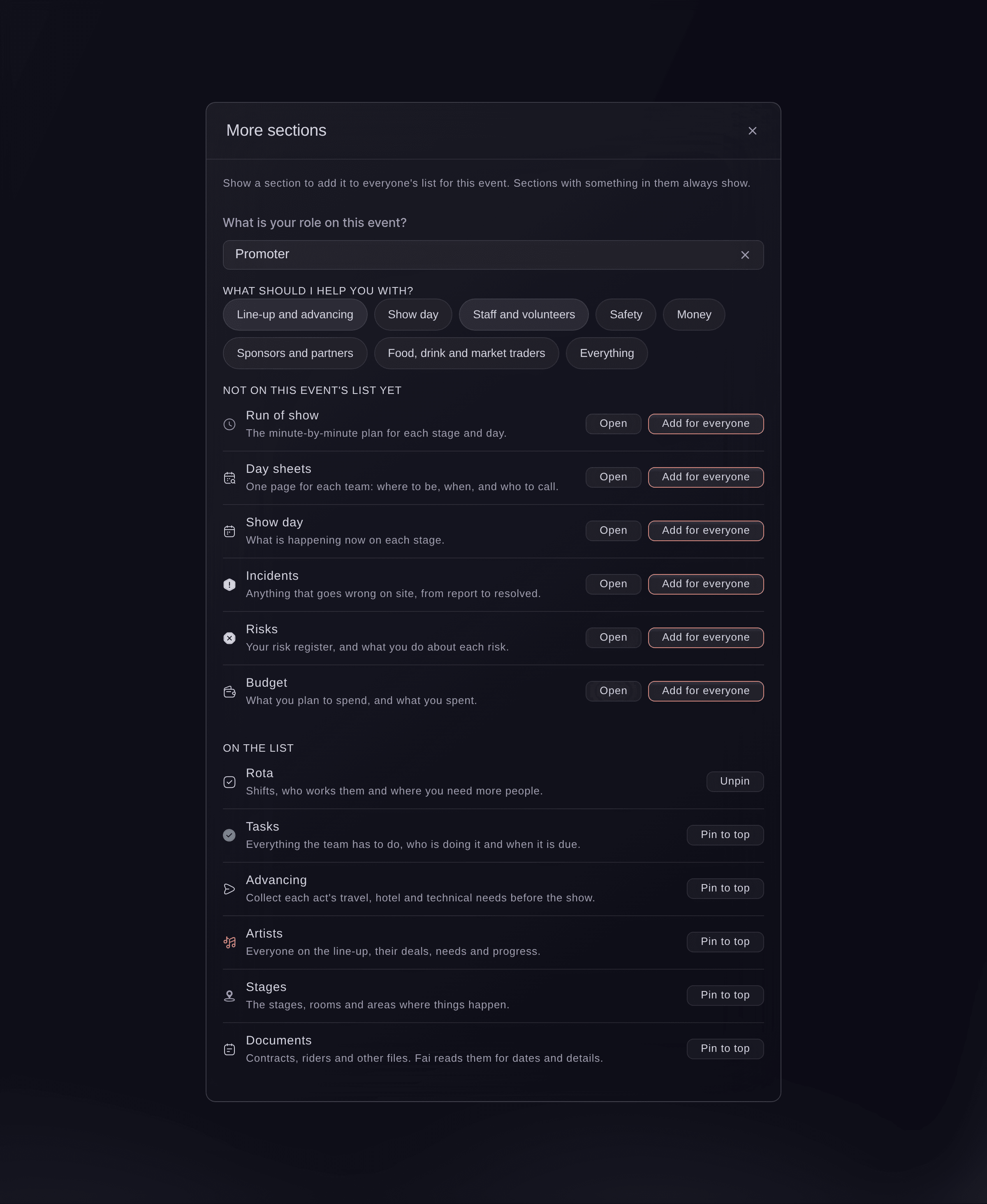
The sections down the left follow the order an event runs, from Program to After the show. The group for where your event is now opens first. You can choose one or more event types, with your main one first, and the sections and their names follow. A music festival shows Artists, Stages and a schedule. A conference shows Speakers, Rooms, an Agenda and Networking. A food or drink festival shows Vendors, Booths and Tastings, and a sports event shows Athletes, Venues and a Match schedule.
- Today page: your tasks, your approvals and your team's latest changes
- Sections for your kind of event: you pick your event types and see the sections you need with the names your event uses